Bio Tab+
 1 / 5
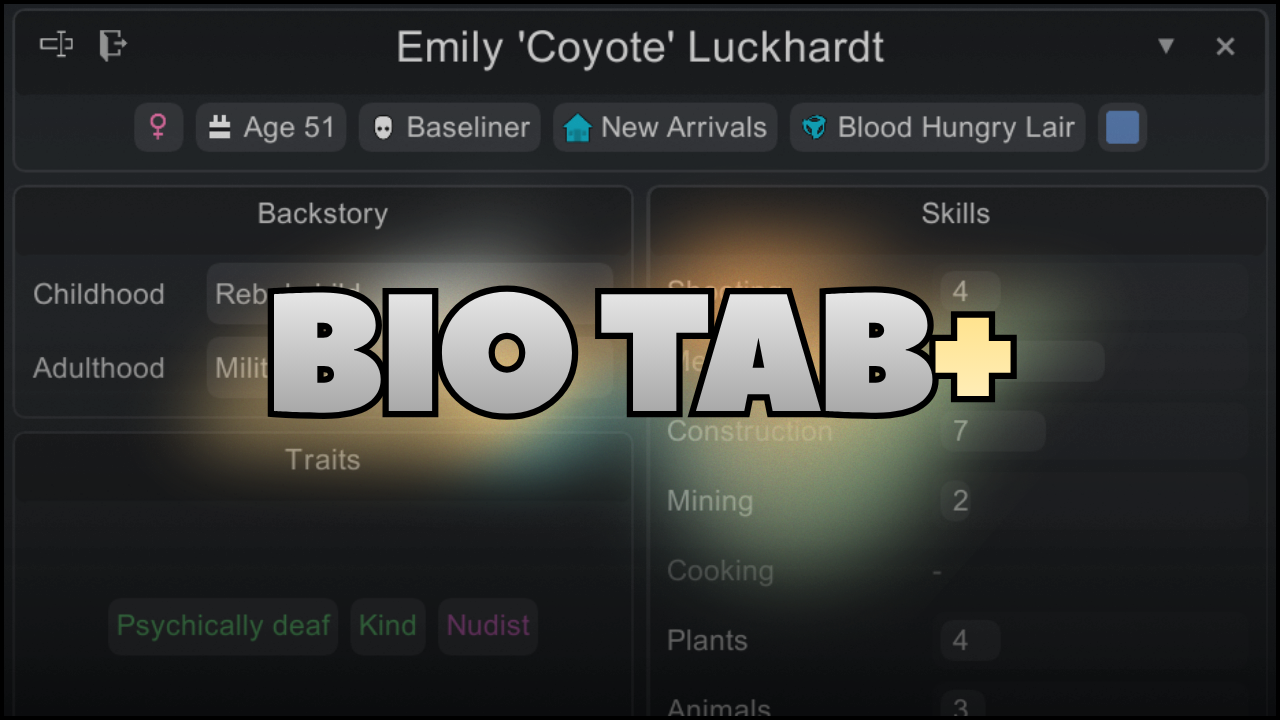
1 / 5Bio Tab+ This was made to improve the look of the vanilla Bio tab while keeping its familiar layout, so it works just as well in a mostly vanilla game as it does in a heavily modded one.
Bio Tab+
This was made to improve the look of the vanilla Bio tab while keeping its familiar layout, so it works just as well in a mostly vanilla game as it does in a heavily modded one. I play with 500+ mods myself, so I wanted the UI to adapt when supported mods add more information without completely changing the layout or making things difficult to find. Some modded content may be moved or reorganised where it makes more sense visually, but the vanilla structure stays familiar.
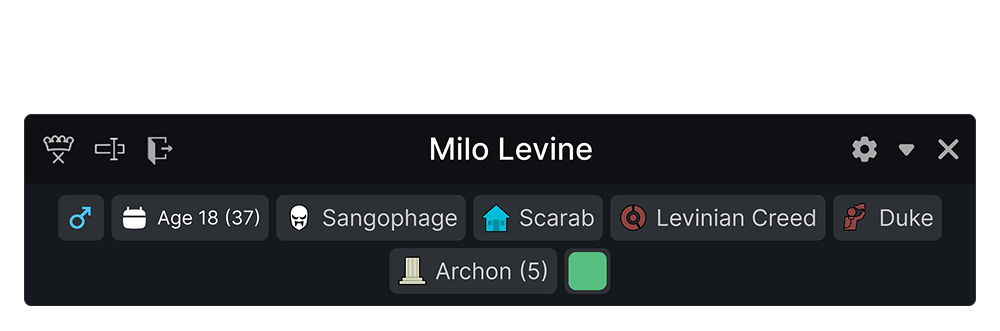 View a pawn’s identity at a glance: gender, age, xenotype, faction, ideology, titles, favourite colour, and quick actions. Modded genders and their icons are supported automatically.
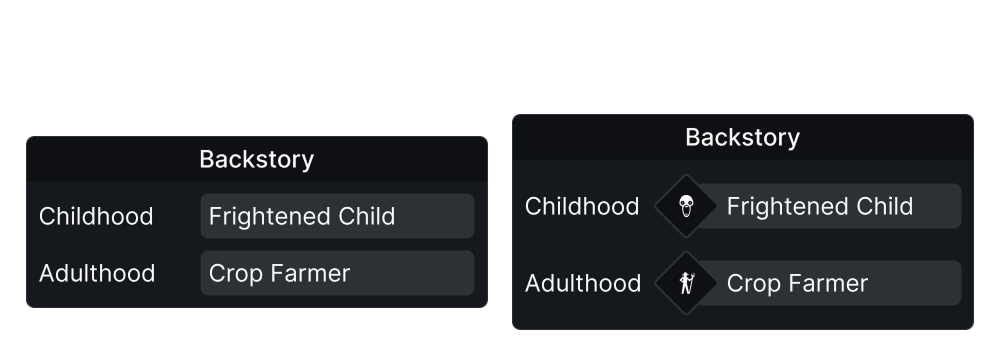 A clearer childhood and adulthood layout, with support for Trait and Backstory Icons. Backstories added by other mods are supported too.
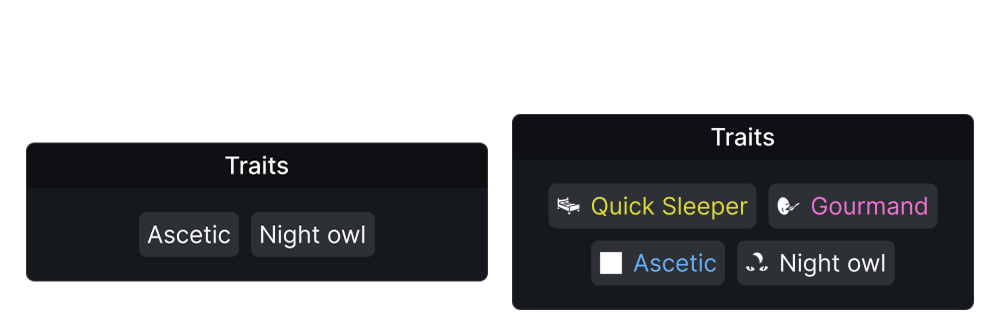 Traits are colour-coded by rarity, making notable traits easier to spot when quickly checking a pawn. Rarity colours are optional and can be disabled in the settings.
Also supports custom icons from Trait and Backstory Icons.
Traits are colour-coded by rarity, making notable traits easier to spot when quickly checking a pawn. Rarity colours are optional and can be disabled in the settings.
Also supports custom icons from Trait and Backstory Icons.
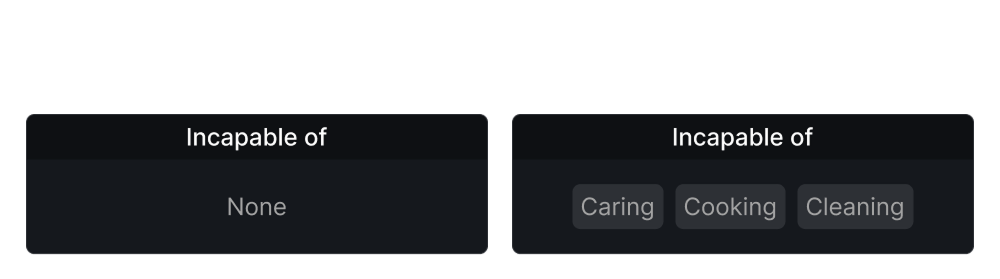 A compact overview of the work types a pawn is incapable of.
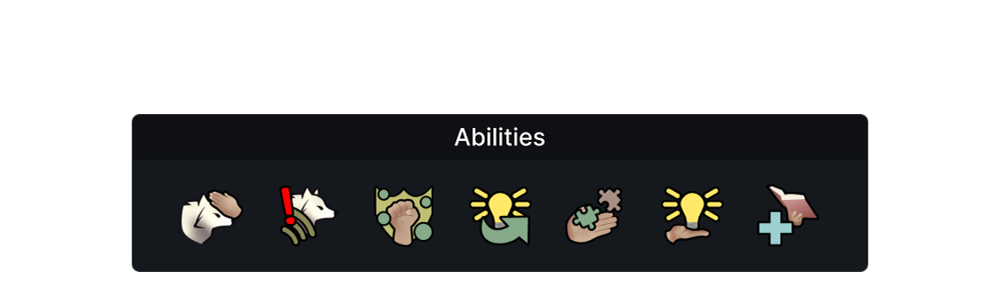 An ability panel that clearly displays a pawn’s available abilities. Icons automatically scale for larger ability lists.
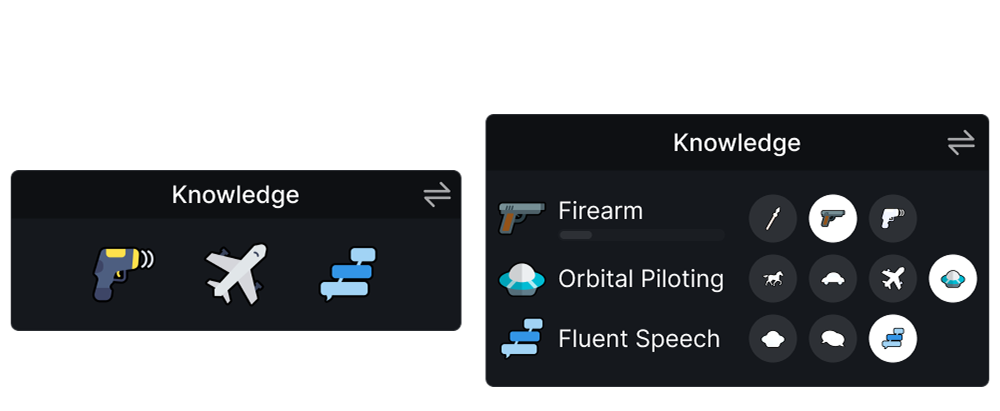 Support for Progression: Education, with redesigned proficiency icons and switchable compact or detailed Knowledge views. You can switch back to the original icons in the settings.
Adds a proficiency XP bar when Progression: Education - Proficiency Practice is enabled.
Support for Progression: Education, with redesigned proficiency icons and switchable compact or detailed Knowledge views. You can switch back to the original icons in the settings.
Adds a proficiency XP bar when Progression: Education - Proficiency Practice is enabled.
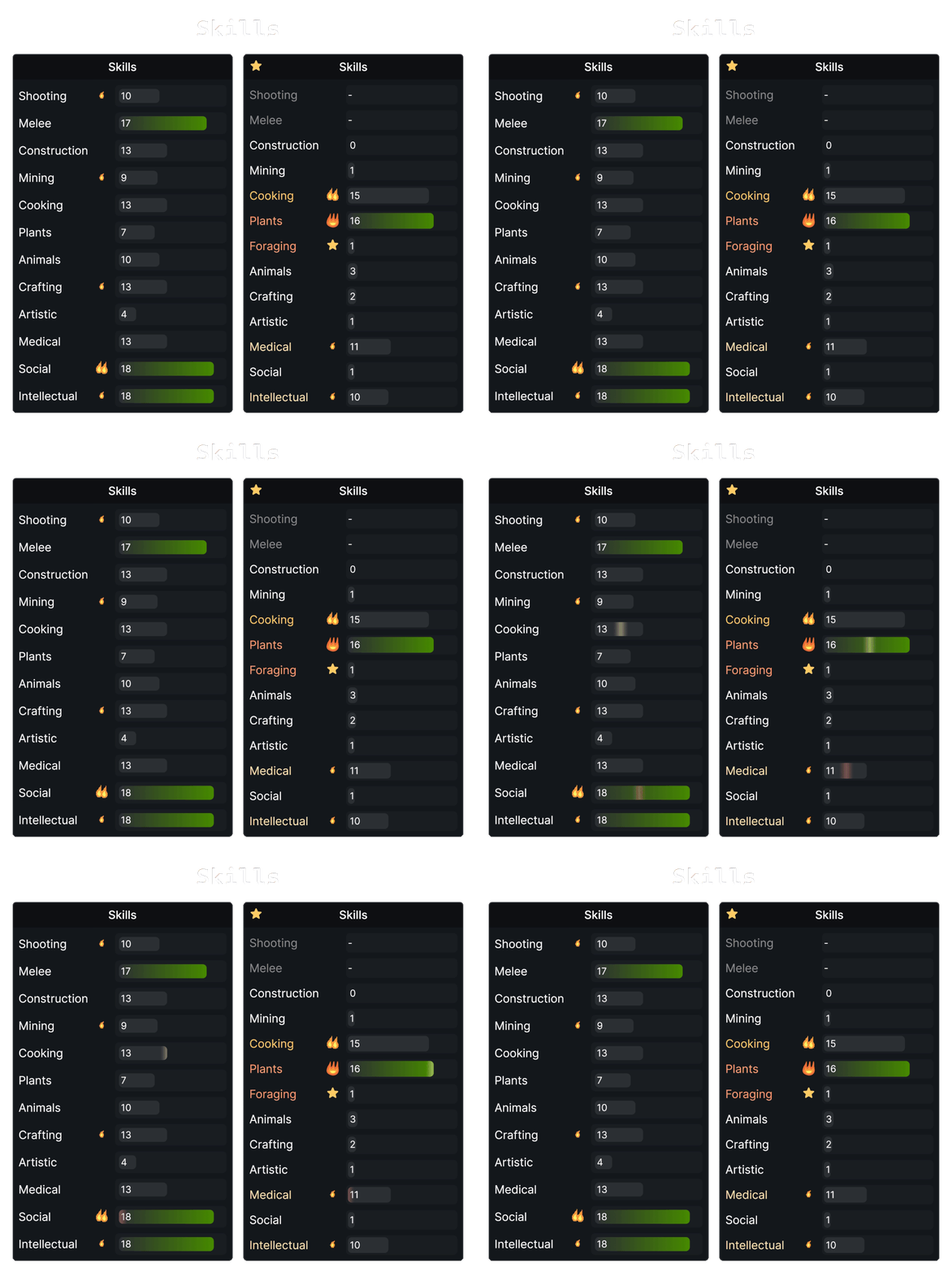 Skills are designed to make a pawn’s strengths easier to identify at a glance, with clearer bars, passion indicators, and animated XP gain/loss feedback.
Custom passion icons are supported automatically, while expertise from Vanilla Skills Expanded and Alpha Skills appears directly beneath its related skill and can be expanded or collapsed.
Long skill lists are scrollable by default to keep the Bio tab compact. Scrolling can be disabled in the settings if you prefer to display every skill at once.
When RimHUD is enabled, skill names are colour-coded by learning rate, making a pawn’s strongest learning bonuses easier to identify at a glance.
Skills are designed to make a pawn’s strengths easier to identify at a glance, with clearer bars, passion indicators, and animated XP gain/loss feedback.
Custom passion icons are supported automatically, while expertise from Vanilla Skills Expanded and Alpha Skills appears directly beneath its related skill and can be expanded or collapsed.
Long skill lists are scrollable by default to keep the Bio tab compact. Scrolling can be disabled in the settings if you prefer to display every skill at once.
When RimHUD is enabled, skill names are colour-coded by learning rate, making a pawn’s strongest learning bonuses easier to identify at a glance.

Compatibility
• RimHUD • Vanilla Skills Expanded • Alpha Skills • Trait and Backstory Icons • Progression: Education • Progression: Education - Proficiency Practice • Trauma and Integrity • 1-2-3 Personalities M1 • Bounded Rationality • Everybody’s Different • Personality Plus • Mods that add custom backstories and traits • Mods that add new genders • Mods that replace passion iconsFAQ
Q: Can you add support for another mod? Feel free to ask! If another mod adds something to the Bio tab that Bio Tab+ doesn’t display properly yet, you can leave a request in the Compatibility Requests discussion. Please include the mod name and Workshop link so I can take a look. Q: I have too many skills and the UI runs off-screen. What can I do? Skill scrolling is enabled by default, so longer skill lists will scroll instead of extending the card off-screen. If you’d rather see all skills at once, you can disable scrolling in the settings. Q: The tab is too big/small on my screen. Can I resize it? You can scale the UI from 80% to 130%. Auto fit is enabled by default and automatically scales the card down if it would otherwise go off-screen. Q: Is it safe to add or remove mid-save? You can add or remove Bio Tab+ from an existing save without affecting your colony. Q: Why is there a button to switch back to the vanilla Bio tab? I originally added it so I could quickly compare Bio Tab+ with the vanilla tab while testing, but it can also be useful when using a mod that Bio Tab+ doesn’t support yet. You can temporarily switch back to the vanilla Bio tab until compatibility is added. If you don’t need the button, you can hide it in the settings. Q: Will this affect performance? Bio Tab+ is designed to stay lightweight. If you notice any performance issues, let me know so I can look into it. Q: Can you make the corners square like vanilla? I personally prefer the rounded look, especially since I play with PrettyUI, which gives the game a similar rounded style. If you prefer the vanilla-style square corners, you can disable rounded corners in the settings. Q: Can I translate the mod? Localization is supported and community translations are always welcome! For the latest fixes, features, and newly supported mods, check the change notes.Credits
• Nice Inventory Tab for inspiration • Proficiency icons sourced from FreepikAI Usage
My programming background is primarily in Python and Java, and I’m still learning C#. AI-assisted tools were used during development to help translate some of my existing programming knowledge to C#, troubleshoot bugs, and assist with implementation. The UI/UX design and creative direction are entirely my own made in figma.Similar Mods


Humanoid Alien Races
A framework for the creation of new alien races in Rimworld If you ever thought that the racial diversity in rimworld is.

Vanilla Expanded Framework
The Vanilla Expanded Framework (VEF) is a core modding library required by many of the Vanilla Expanded mods.

QualityBuilder
With QualityBuilder all buildings that have quality (beds, tables etc) will only be build by the best builder to ensure the best outgoing quality.
More Mods by Axolki
Fish Until Gizmo
TIL after many hours of playing and depeleting all the fish I had in most of my colonies and wishing for a way to set a min amount to stop my colonists from fishing before they all disappear, I realized there was a setting for that in the inspect tab when you click on the fishing

Birthday Variety
I noticed that when creating a new colony, all of my starting colonists would share the same birthday, so I made this mod to randomise birthdays and make each colonist feel more unique.
More Management Mods


Humanoid Alien Races
A framework for the creation of new alien races in Rimworld If you ever thought that the racial diversity in rimworld is.