Nice Research Tab
 1 / 11
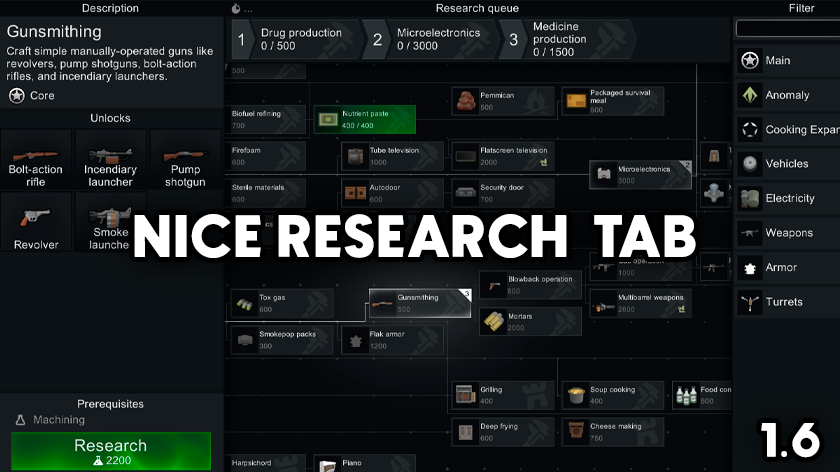
Let me tell you a fairy tale about beautiful UI in our beloved game This mod completely revamps the research window, bringing incredible visuals, responsiveness, and QoL tweaks to it.

Let me tell you a fairy tale about beautiful UI in our beloved game
This mod completely revamps the research window, bringing incredible visuals, responsiveness, and QoL tweaks to it.
The main idea was to fix all the flaws of existing similar mods and bring a fresh perspective to the UI.
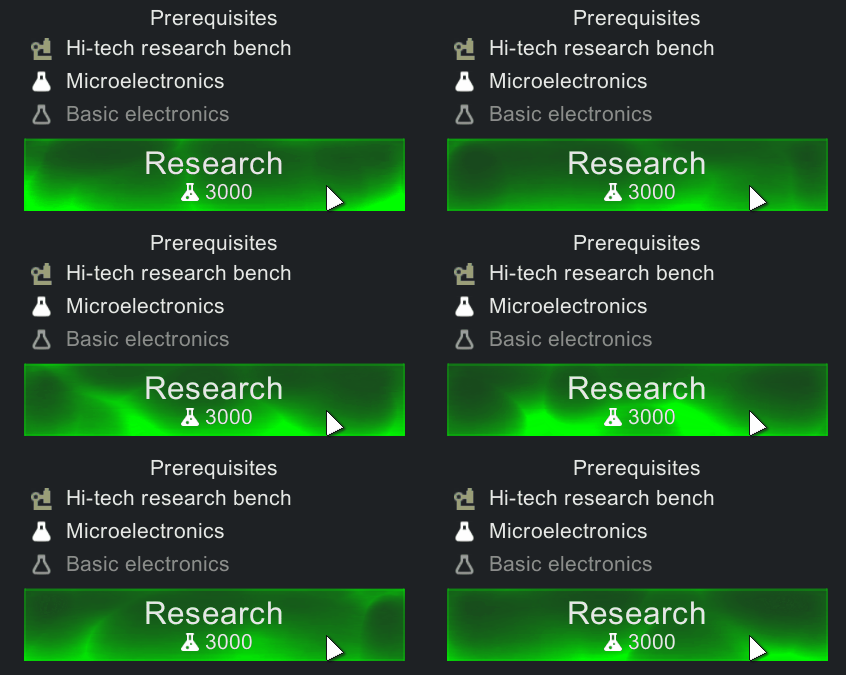
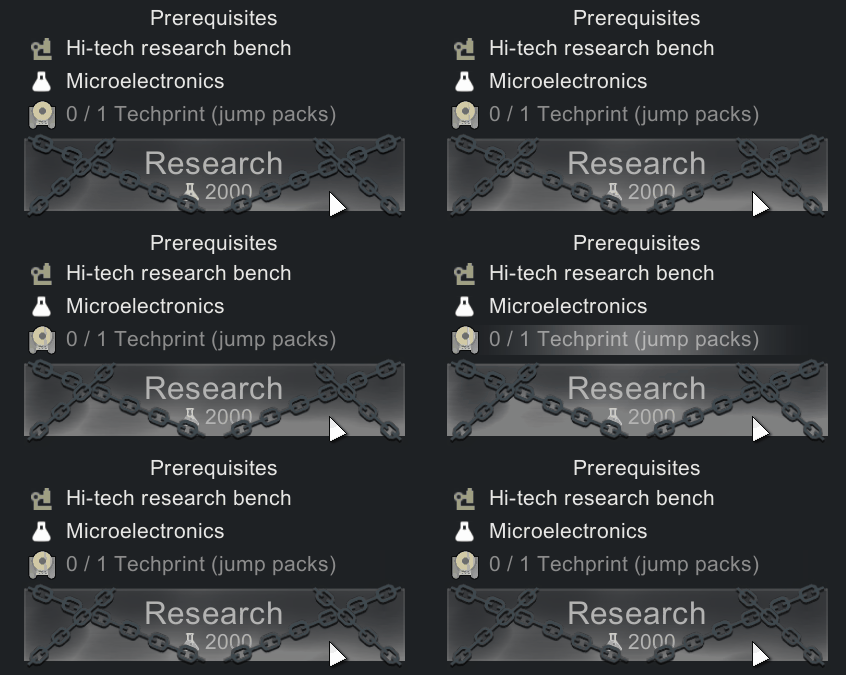
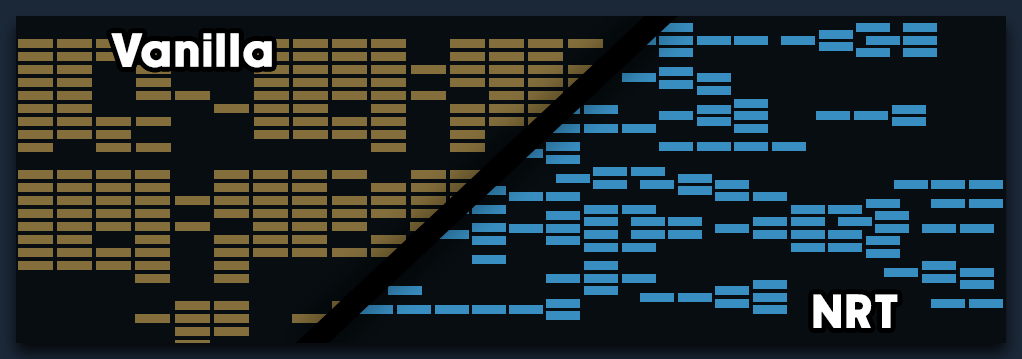
It bugs me that other mods just focus on the UI and completely miss the elephant in the room: the topology of research nodes.

In the vanilla game, all nodes are placed manually by the developers. Overall, it works pretty well, until mods come into play. When you add mods, everything turns into a mess, with elements overlapping each other.
Many mod authors realize this, so a trend has emerged to create custom tabs for individual mods. Isolating them feels convenient at first, but what does it actually lead to?
You just end up with 15–20 tabs, and figuring out dependencies between them becomes a puzzle.

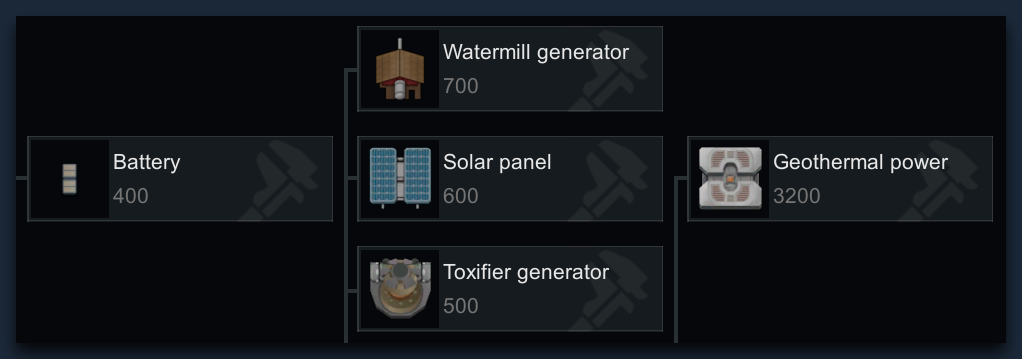
My idea is simple: if things are logically connected, they should stay on the same screen. This applies not only to direct research dependencies, but also to logically grouped categories like power management, for example:
Mathematically, a flawless layout is impossible to achieve. However, we can reach a solid approximation - one that doesnt turn everything into a single massive monolith, nor stretch it out over miles.

A built-in research queue is already included.
You can also easily reorder your research using intuitive drag & drop.

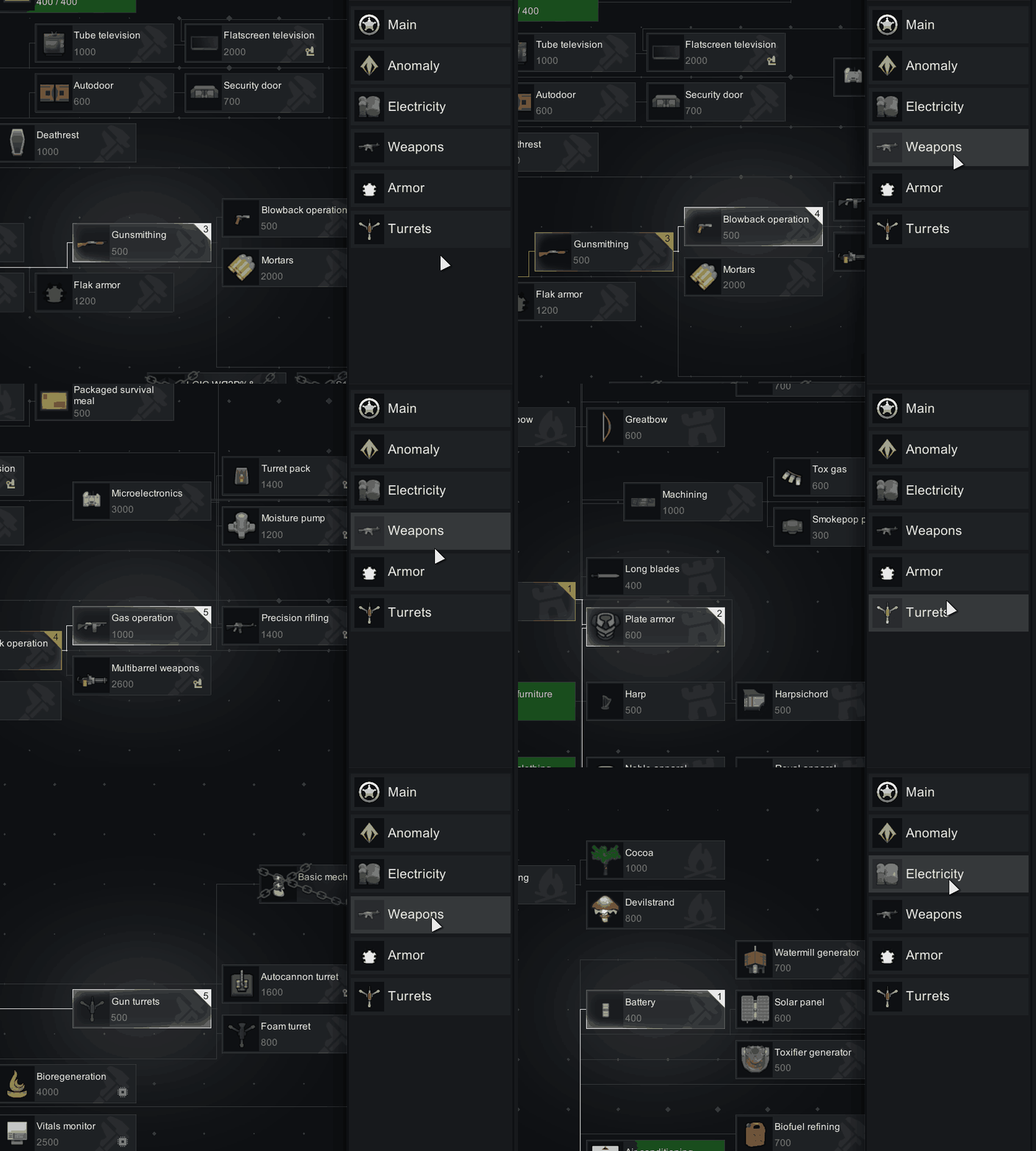
Tabs have been completely removed. Everything now exists in a single, unified space, paired with a handy side-navigator that serves the exact same purpose.
..with a few extra categories for QoL.
The mod also displays an ETA for your current research (and the whole queue in brackets). It factors in your pawns schedule and activities, dynamically adjusting to ongoing events.
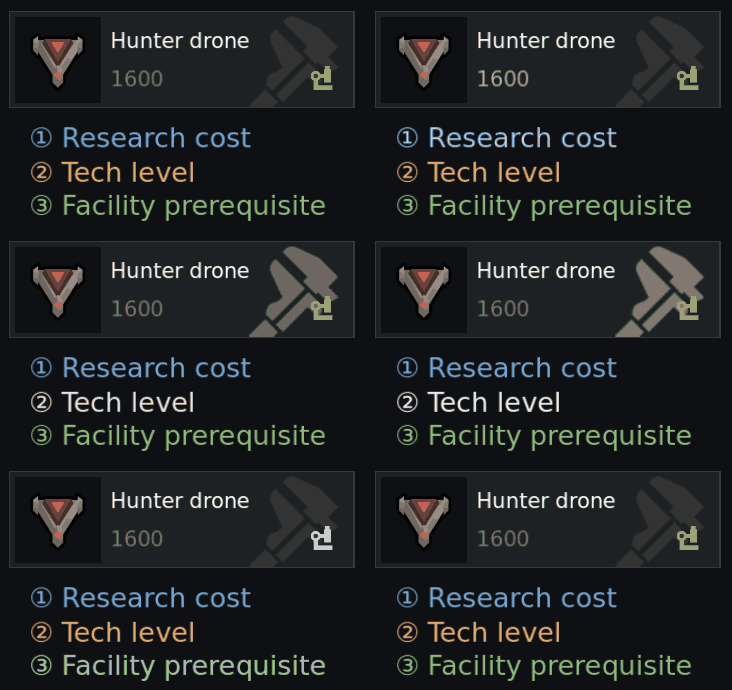
Moreover, it changes your mindset from 'What to research next?' to 'I want to research that.'

This should work with any mods that dont alter the UI of this window. However, extremely heavily modded setups (400+) might still break research connectivity, scattering nodes further apart. That said, I've manually added plenty of rules and exceptions for popular mods.
If you notice any obvious topology issues, please leave your feedback.
Fully compatible with:

If you change the language mid-game, the entire universe might fold into a donut (Im not kidding)
Giga modpacks and weird mods might mess up grouping, but it wont break gameplay.
If you encounter issues upon opening the window, enable single threaded option in settings

Let’s start with the fact that all effects are shaders, making them extremely performance-friendly.
The algorithm that handles the topology is also highly efficient. I tested it on a modpack with 367 mods, and it completed the task in just <100 ms.
However, you need to understand that magic doesnt exist and everything comes with a cost. The catch lies in how the game engine itself renders simple primitives, and unfortunately, I just cant optimize that. Because of this, potato machines might experience some issues. Thats why Ive included a performance section in the mod settings, where you can tweak different presets to find your own sweet spot.
What's guaranteed is that there is no performance impact while the tab is closed.
It does nothing in the background.

Q: Wait, can there be multiple queues running at the same time?
A: Yes, the Anomaly DLC research is processed in parallel, without interfering with the main branch.
Q: I don't like the unified workspace. Can I split it back into tabs?
A: Yes, you can easily toggle this option in the mod settings.
Q: Where did the Vanilla Expanded category go?
A: It is now seamlessly integrated into the vanilla research branches.
Q: How do I add more research tasks to the queue?
A: Shift + click.
Safe to add or remove mid-game.


Translations:
• English
• Russian
Similar Mods

Vanilla Furniture Expanded - Art
1.2 (29/08/2020): Fixed laggy hologram code. This mod now requires our framework. 1.1.1 (14/08/2020): Fixed the issue with pottery display radius for meditation, Added decorative plant pots. This module is a part of Vanilla Furniture Expanded which can be downloaded below. Vanill

Vanilla Furniture Expanded - Medical Module
1.1.1 (21/02/2020): 1.1 version of this mod is no longer dependant on VFE-Core 1.1.0 (20/02/2020): This mod is now 1.1 compatible. 1.0.0a (05/05/2019): Fixed several bugs. 1.0.0 (20/04/2019): Release This module is a part of Vanilla Furniture Expanded which can be downloaded belo

EdB Prepare Carefully
Customize your RimWorld colonists, choose your gear and prepare carefully for your crash landing!

More Mods by Andromeda


Milky Way
This is framework for my mods Used in Nice Research Tab Do you know that our galaxy is called the Milky Way?

Busywork
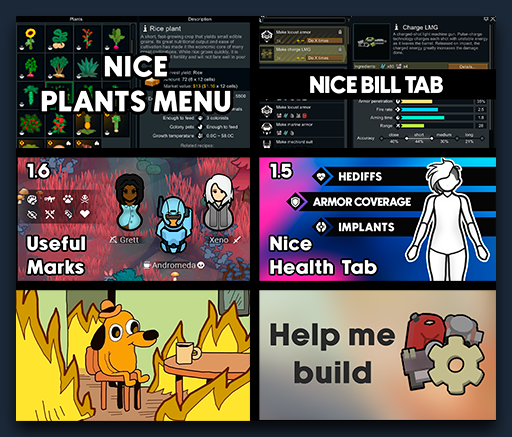
This mod adds icons showing the current job of your pawns within the Useful Marks system.

Stack gap
Are you really sick of watching pawns carry stuff into not-so-important storages and fill them to brim?
More Management Mods

QualityBuilder
With QualityBuilder all buildings that have quality (beds, tables etc) will only be build by the best builder to ensure the best outgoing quality.


Vanilla Fishing Expanded
Vanilla Fishing Expanded is a first module in a brand new mod series “Vanilla Cuisine Expanded” from the Vanilla Expanded team.