Radius UI - Inspector
 1 / 7
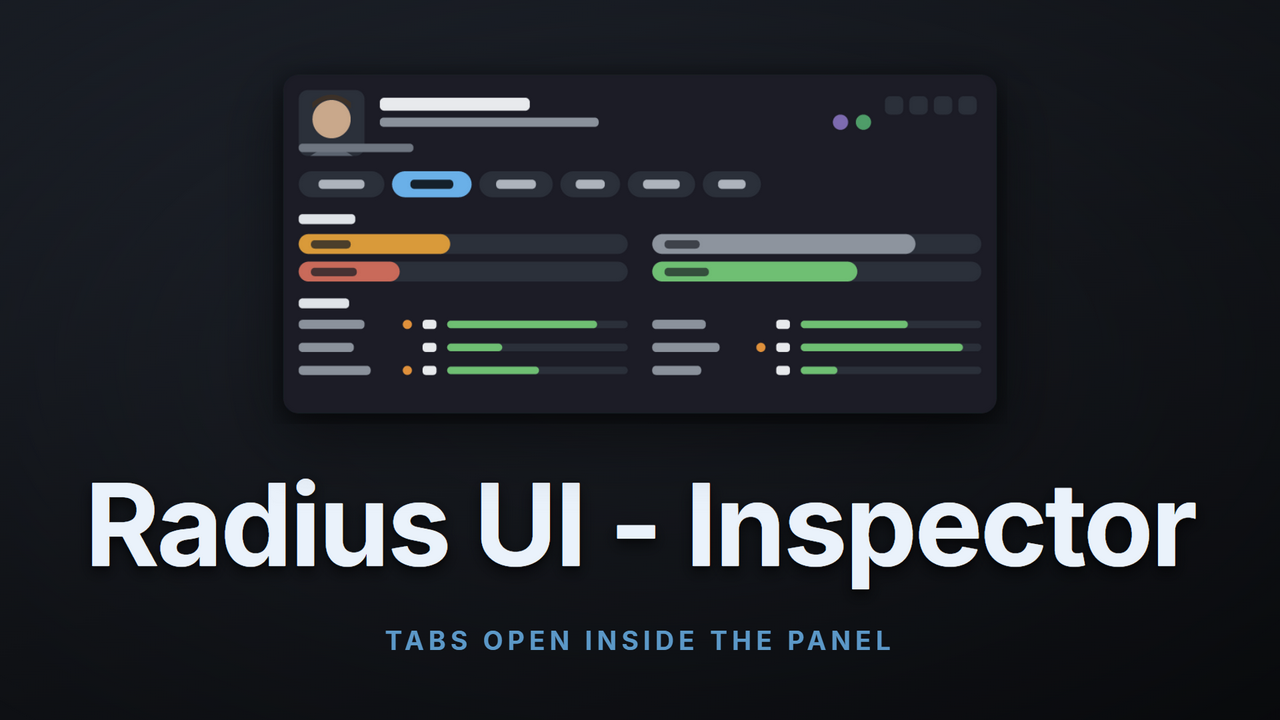
1 / 7◆ Radius UI - Inspector ◆ The inspect pane in the bottom left is the panel you look at more than any other, and vanilla gives it a tan box, a wall of grey text, and tabs that drop a window over your colony every time you open one.
◆ Radius UI - Inspector ◆
The inspect pane in the bottom left is the panel you look at more than any other, and vanilla gives it a tan box, a wall of grey text, and tabs that drop a window over your colony every time you open one. Radius UI - Inspector replaces it with a dock: a portrait, the things you actually check, and tab buttons that open their content inside the panel. Same flat, dark, icon led look as the rest of the Radius UI suite. Safe to add or remove whenever you want.✦ Tabs open inside the panel
This is the part to read first. Clicking a tab does not throw a window over your base. The panel grows to fit it in one smooth motion, and the tab draws itself in the space that opened.- Every tab still belongs to whoever wrote it: the inspector never redraws another mod's tab, it moves it. Vanilla Health, Bills, Storage, Social and the rest render exactly as they always did, in the panel instead of over it.
- Modded tabs work the same way: Radius UI - Health Tab shows its full medical chart in there, True RPG Inventory shows its paperdoll. Neither needed a patch, and neither does yours.
- Close it and it shrinks back: the Overview pill returns the panel to its normal height, so nothing is ever left hanging open.
- It reserves its own space: the command buttons on the right slide clear as the panel grows, so a wide tab never ends up underneath them.
✦ Build the panel you want
The overview is a grid you arrange, not a fixed list somebody else picked.- Rows and columns: put a skill bar across from a need bar, three needs in one row, or a wide health summary on its own. A row holds as many cells as you want.
- Pick from everything: mood, any single need, any single skill, the whole skills grid, a health summary, the equipped weapon, armor, or a spacer.
- Your own headings: headers are cells too. Rename them, move them, delete them.
- Edited in place: press the gear and the editor opens on the panel itself. No menu diving, no restart, and it saves with your game.
✦ Not just colonists
- Anything you can select: items, walls, coolers, campfires, plants, corpses and modded buildings all get the same dock.
- Read at a glance: hit points, fuel and growth as bars, then quality, stack size, value, power draw, and flags like forbidden or broken down as chips.
- Modded things included: underneath, each thing prints its own report exactly as it always has, so content from any mod reads correctly without a patch.
- Many at once: select a crowd and you get one row each, portraits and mood for pawns, and a click focuses whichever one you want.
✦ Quiet when you are not using it
- It folds away: after a few idle seconds the panel drops to a slim strip and your map is clear. Touch it and it is back.
- Pin it if you would rather it stayed open, or set your own delay, or turn folding off entirely.
- Wide mode for larger screens and busier layouts.
✦ Built to share the screen
- A way back: one setting restores the plain vanilla tab row if you ever want it.
- Fails safe: if drawing ever goes wrong, the pane quietly returns to vanilla instead of flooding your log or spoiling your game.
- Nothing in your save: add it or remove it mid colony.
✦ Requirements
- Harmony and Radius UI Framework. The framework carries the shared colours, icons and widgets for the whole suite.
- RimWorld 1.6.
My Quality Commitment:
- Fully Tested: Every feature and line of code has been thoroughly tested in-game to ensure it functions as intended and integrates smoothly.
- Active Support: I am fully committed to maintaining this mod. If you encounter any bugs, compatibility issues, or unintended behavior, please report them in the comments or a dedicated discussion thread.
- No Abandonware: I will actively patch, refine, and update this mod to keep it working and up to standard.
- No Coffee: I will never ask for donations for AI created / assisted mods. I share these in the hopes they spark joy for someone, making AI generated content and then begging for money that could go to artists and people more deserving is NOT responsible AI usage.
Similar Mods
Smarter Construction
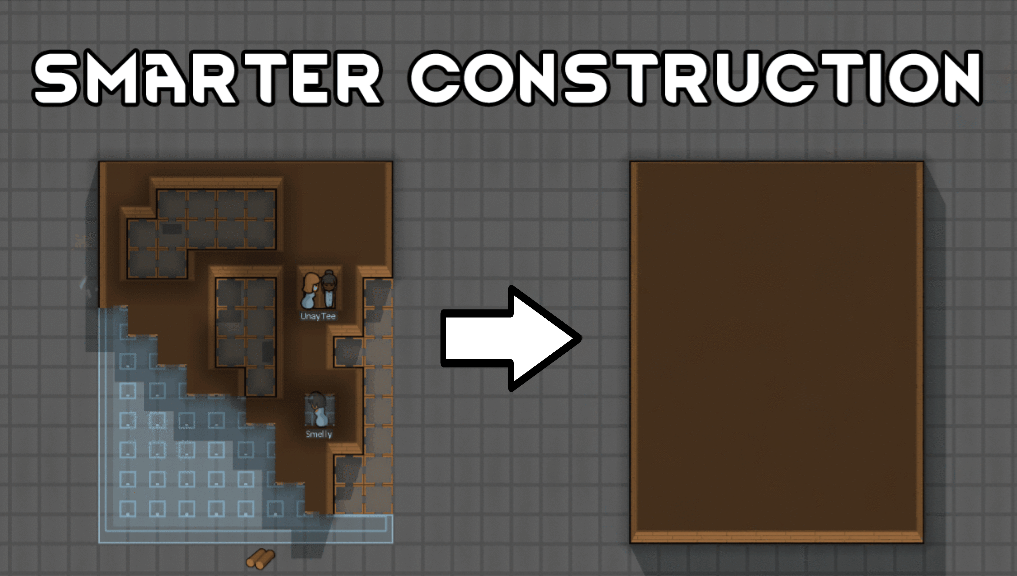
Stop your pawns from constantly building themselves into a wall or blocking something that hasn't been built yet.

Vanilla Furniture Expanded
Check change notes. Vanilla Furniture Expanded 2 is a big update and rework of the original mod, aimed at bringing your RimWorld furniture to the next level. It adds over 30 new furniture pieces across every tech level, from neolithic to late-industrial (with spacer coming in a s
More Mods by Astryl

Skill Graph - Expanded
Skill Graph Expanded An addon for Skill Graph that makes it play nicely with the rest of your skill mods.
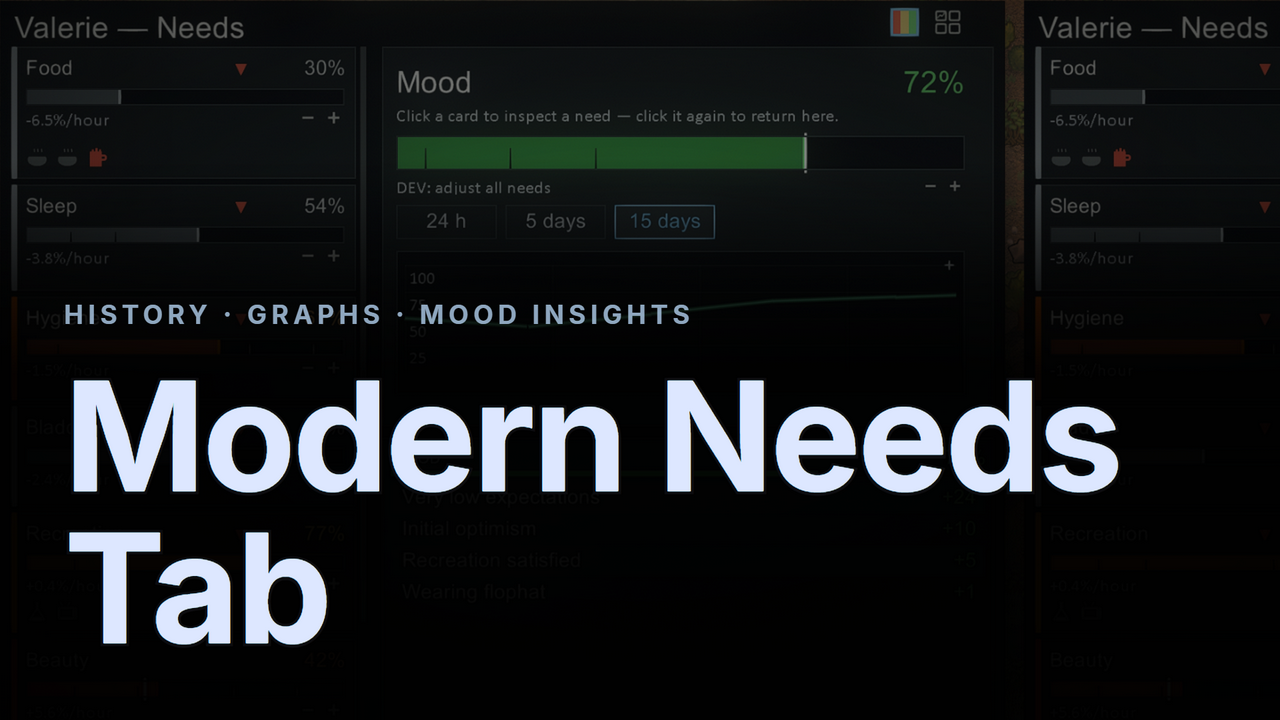
Modern Needs Tab
◆ Modern Needs Tab ◆ The vanilla needs tab tells you where a need is — never where it's been, how fast it's moving, or what just shifted it.
Modern Xenotype Tab
◆ Modern Xenotype Tab ◆ The vanilla Genes tab shows you a list and nothing more.
More Management Mods

EdB Prepare Carefully
Customize your RimWorld colonists, choose your gear and prepare carefully for your crash landing!
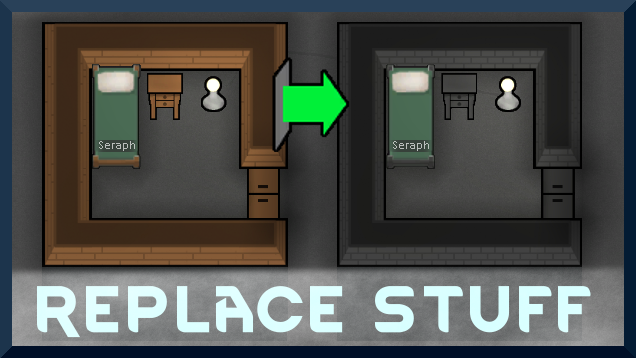
Replace Stuff
Place buildings anywhere, on top of existing things, and the game will handle it.

Vanilla Expanded Framework
The Vanilla Expanded Framework (VEF) is a core modding library required by many of the Vanilla Expanded mods.